From a live URL to a mockup in one click
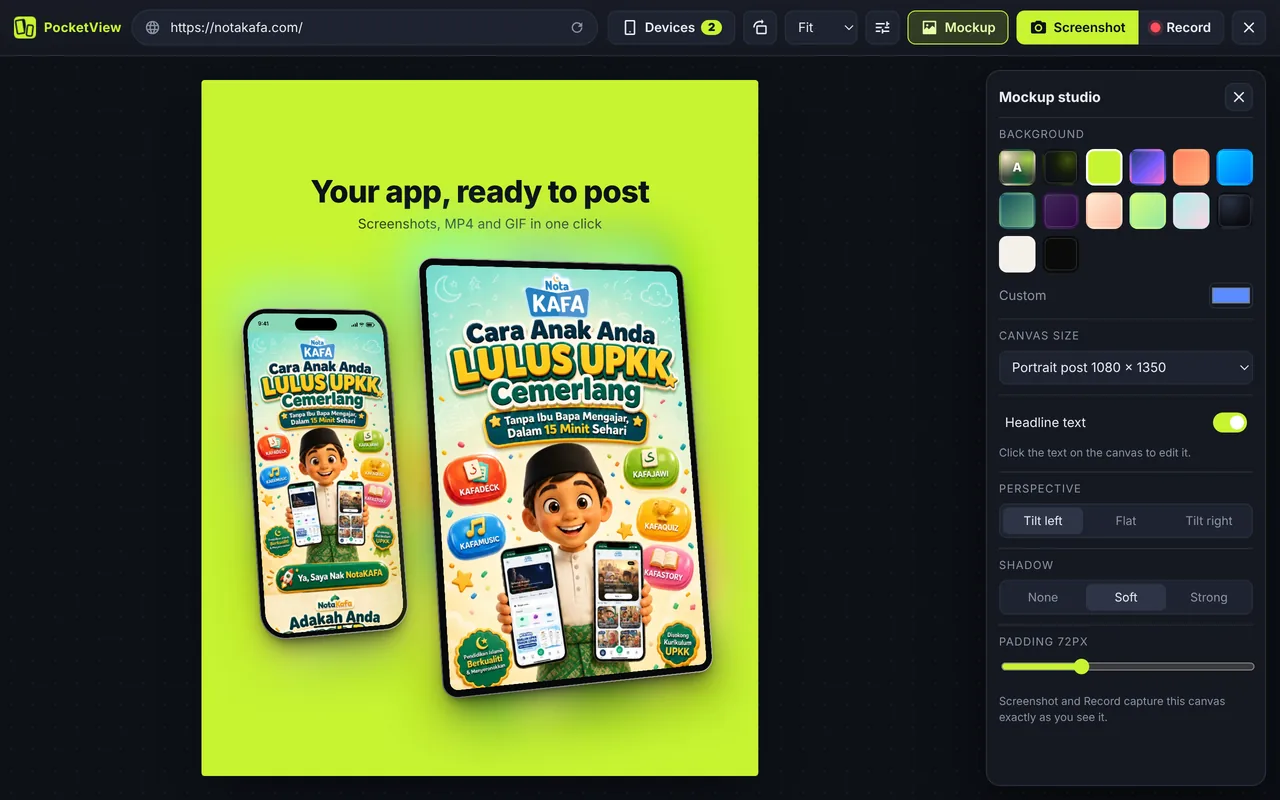
Classic mockups mean taking screenshots, opening a design tool, finding a phone template and lining everything up. With PocketView the website is already inside the device frames, so a mockup is one click away: open Mockup in the top bar and the canvas appears around your devices.
- Open your site in PocketView and choose the devices (an iPhone and an iPad look great together).
- Click Mockup. Pick a background, then click the headline on the canvas to write your own.
- Press Screenshot to save a PNG, or Record for MP4 or GIF.
Backgrounds, headline text, tilt and export sizes
- Backgrounds: Ambient (colours taken from your site), PocketView dark, Lime, gradients, paper, black, or any custom colour.
- Headline and subline: edit right on the canvas; the text scales with the canvas size.
- Perspective: flat, tilt left or tilt right.
- Shadow and padding: none, soft or strong; padding from tight to roomy.
- Sizes: square and portrait posts, Story and Reel, landscape 1920 × 1080, Chrome Web Store, link preview, or fit to the devices.
Record MP4 and GIF instead of a still
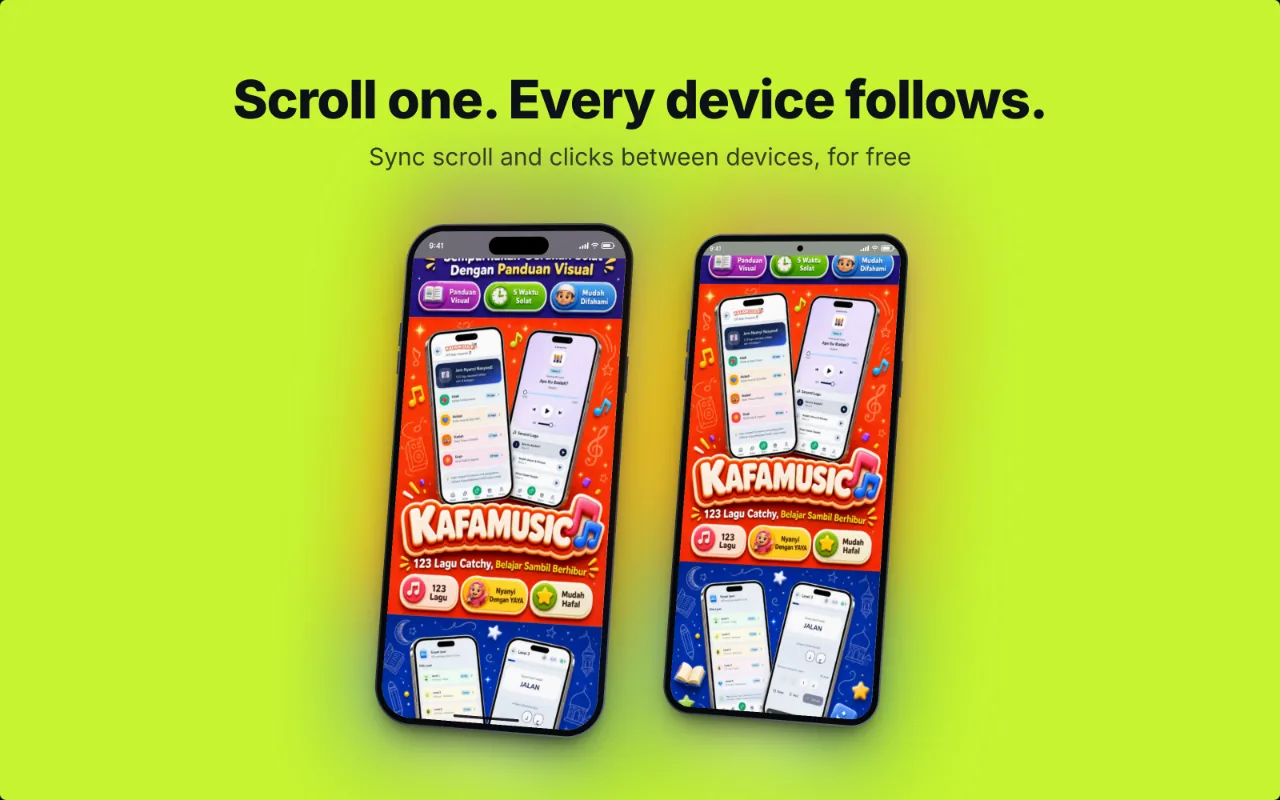
Motion sells a website better than a still. Record scrolls, taps and menu animations straight from the devices. PocketView crops the video to the device area or the mockup canvas and adds a soft ripple wherever you tap, so viewers can follow along. GIFs are kept small for chat and docs; MP4 is best for social posts.
Questions
Can I make a transparent PNG mockup?
Yes. Turn on transparent screenshots and press S: PocketView saves the device frames on a transparent background, ready to drop into a slide or an email.
Which export sizes are supported?
Square post (1080 × 1080), portrait post (1080 × 1350), Story and Reel (1080 × 1920), landscape (1920 × 1080), Chrome Web Store (1280 × 800) and link preview (1200 × 630), or fit to the devices.
Do I need the website to be live?
No. Mockups work on any page your browser can open, including localhost and staging, so you can share a design before launch.
Can I record a video mockup?
Yes. Record captures the same canvas as an MP4 or a GIF, with a ripple on every tap.
Learn more about the mobile simulator behind the mockups, or see the foldables that make mockups stand out.